


Today we’re opening the CodeYam CLI to the public. This is free to download and use. It requires no registration and only runs locally. The CodeYam CLI integrates with Claude Code and leverages it for a variety of functions.
Over time, the CodeYam CLI will introduce features designed to make working with AI on software development more effective and powerful. You can read more in our previous blog posts, and we’ll be sharing more detail on our full vision soon.
Our first product, now available in the CodeYam CLI, is a memory management feature we’ve named CodeYam Memory.
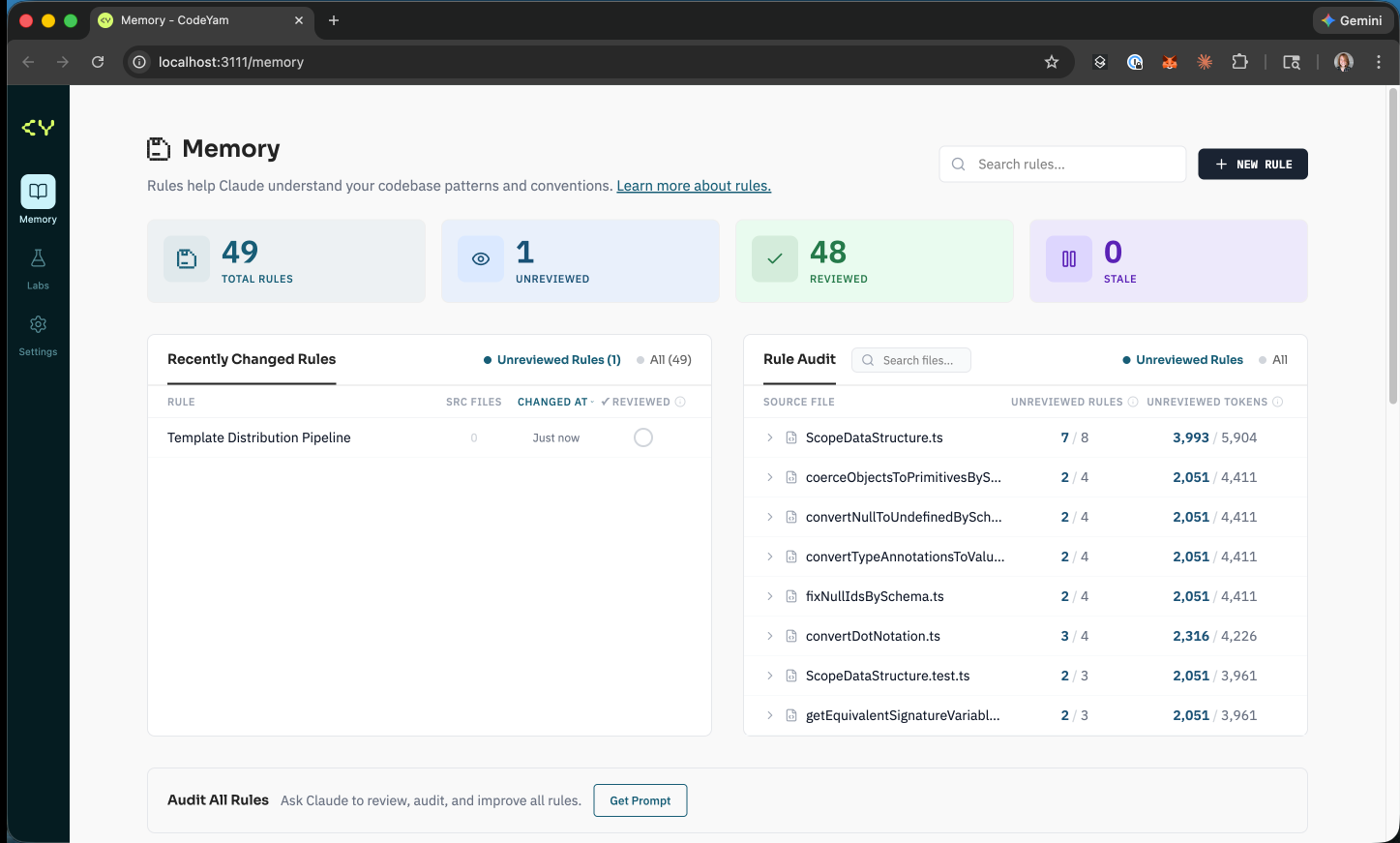
As we’ve worked toward our longer-term-vision of an ideal software development experience, we’ve had to leverage complex static code analysis. As AIs became more adept they were able to support more and more of this work. We were able to increasingly use Claude Code to accelerate the pace of development. Unfortunately, because we were working on a novel challenge, we found that Claude Code was frequently confused.
In each session, many of the same issues would arise. Complex parts of the codebase had to be researched from scratch each time Claude touched them, even when it was interacting with those same areas multiple times per day. The same misunderstandings would often resurface despite Claude doing its best to investigate the code.
We attempted to use CLAUDE.md and continue to do so. Our root-level CLAUDE.md helps communicate some of the rules of our repo, such as approaching changes via test-driven development (TDD), as well as tribal knowledge our team has internalized. However, we don’t want to overload it with information about every area of the codebase, given context window constraints and our desire to avoid confusing Claude with irrelevant details.
So we explored CLAUDE.md files in select folders within the repo. These were valuable but proved difficult to write and maintain. We weren’t creating or updating them frequently enough to have the impact we wanted. On more than one occasion, we discovered that one contained outdated information that was actively causing confusion.
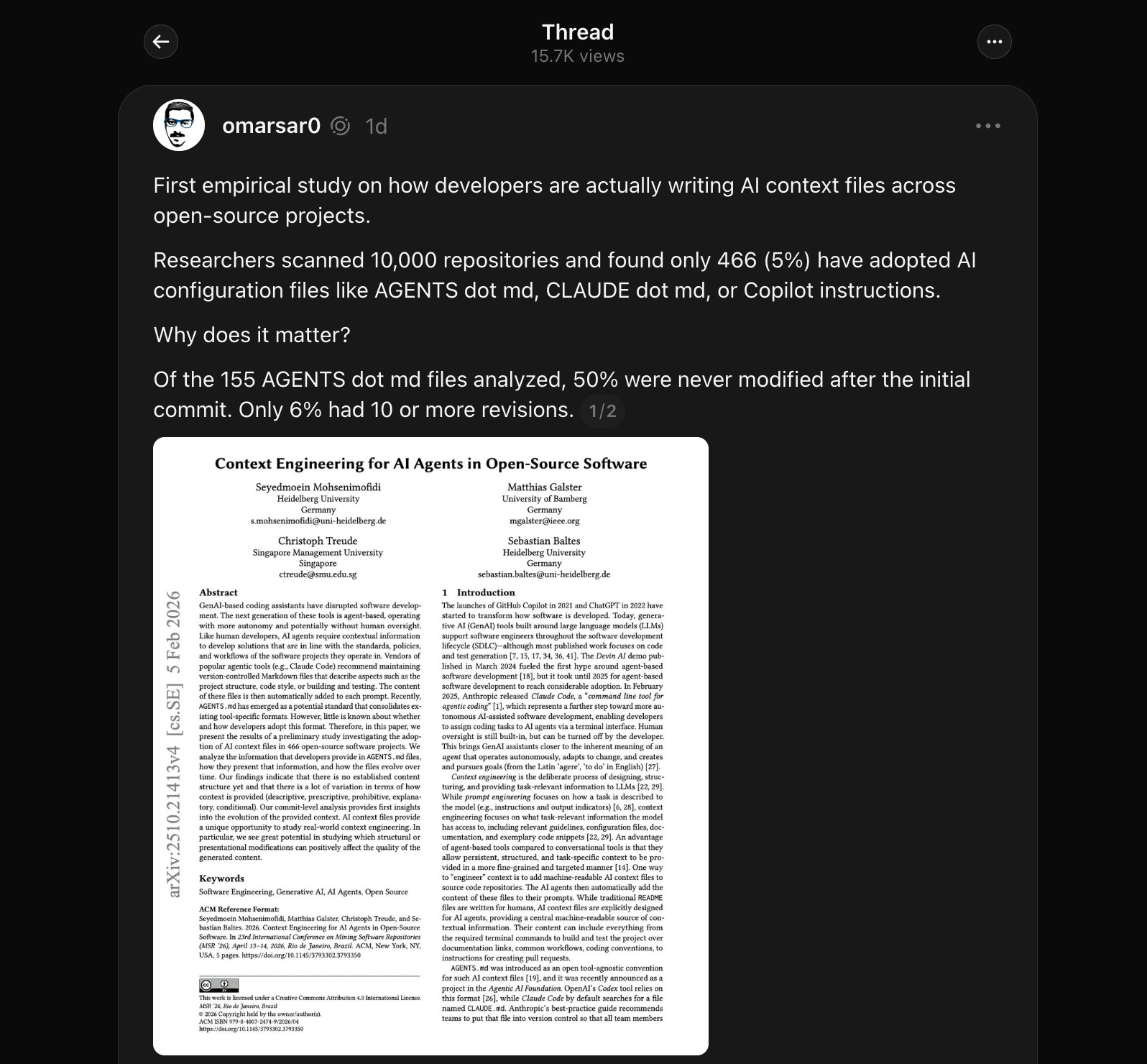
Recently, researchers scanned 10,000 repositories and found that only 466 (5%) had adopted AI configuration files such as AGENTS.md, CLAUDE.md, or Copilot instructions. Of the 155 AGENTS.md files analyzed, 50% were never modified after the initial commit, and only 6% had 10 or more revisions (source). It seems evident that most teams have these same struggles trying to properly use and maintain the AI configuration files that serve as the “memory” for the AI.
So we set out to find a better solution. We discovered Claude Rules. Claude Rules allow you to surgically inject specific memories into the context window based on which files are being interacted with during a conversation. Using search patterns, you can apply rules across the entire codebase or to individual files deep within nested folders.
The problem is that writing and maintaining Claude Rules by hand is difficult in practice, arguably even more difficult than managing nested CLAUDE.md files. So we built CodeYam Memory to help with this.
How CodeYam Memory Works
1. Conversation Reflection.
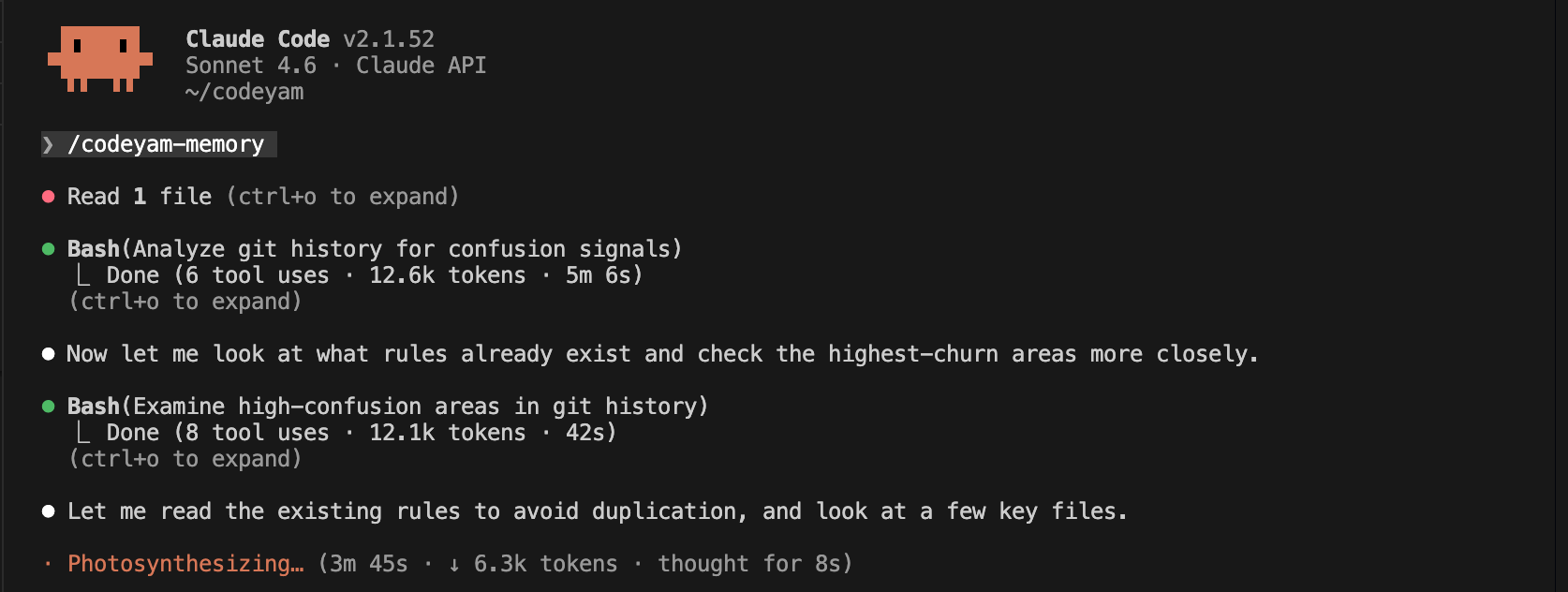
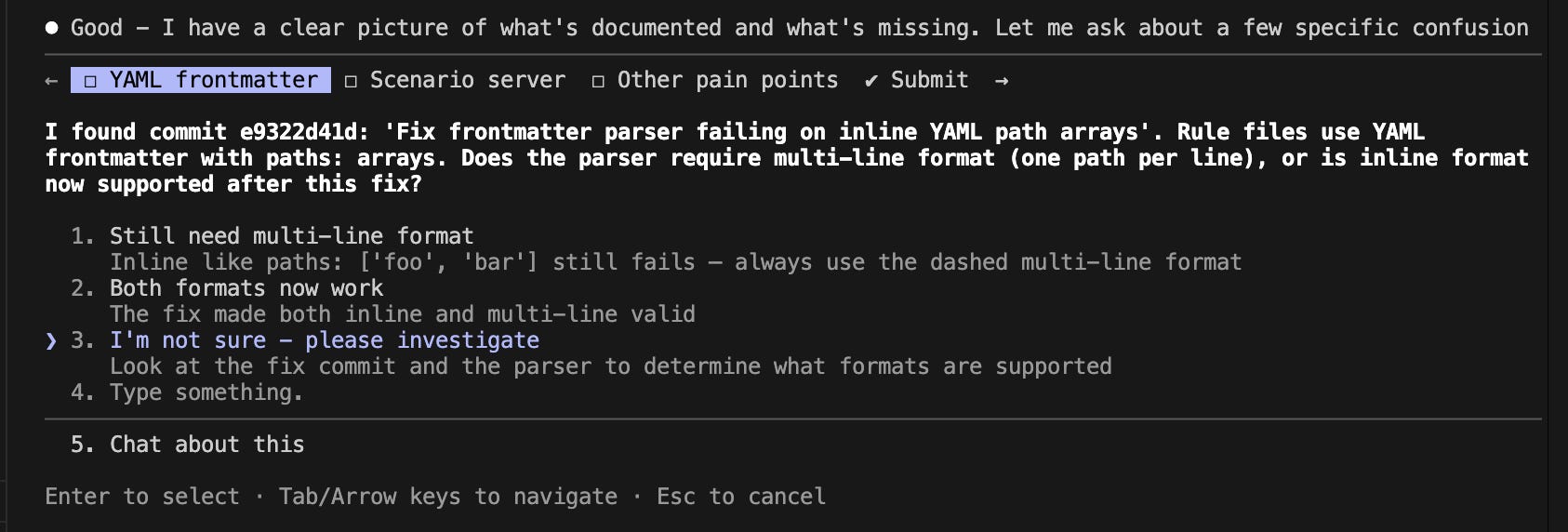
CodeYam Memory adds a reflection phase, run by a background agent, to all Claude Code conversations. It looks for anything confusing, relevant tribal knowledge about the software being developed, and complex architectural decisions made along the way. The goal is to capture these observations as Claude Rules with appropriate paths so they’re only applied to relevant parts of the codebase, preserving the context window and avoiding irrelevant information.
2. Rule Auditing.
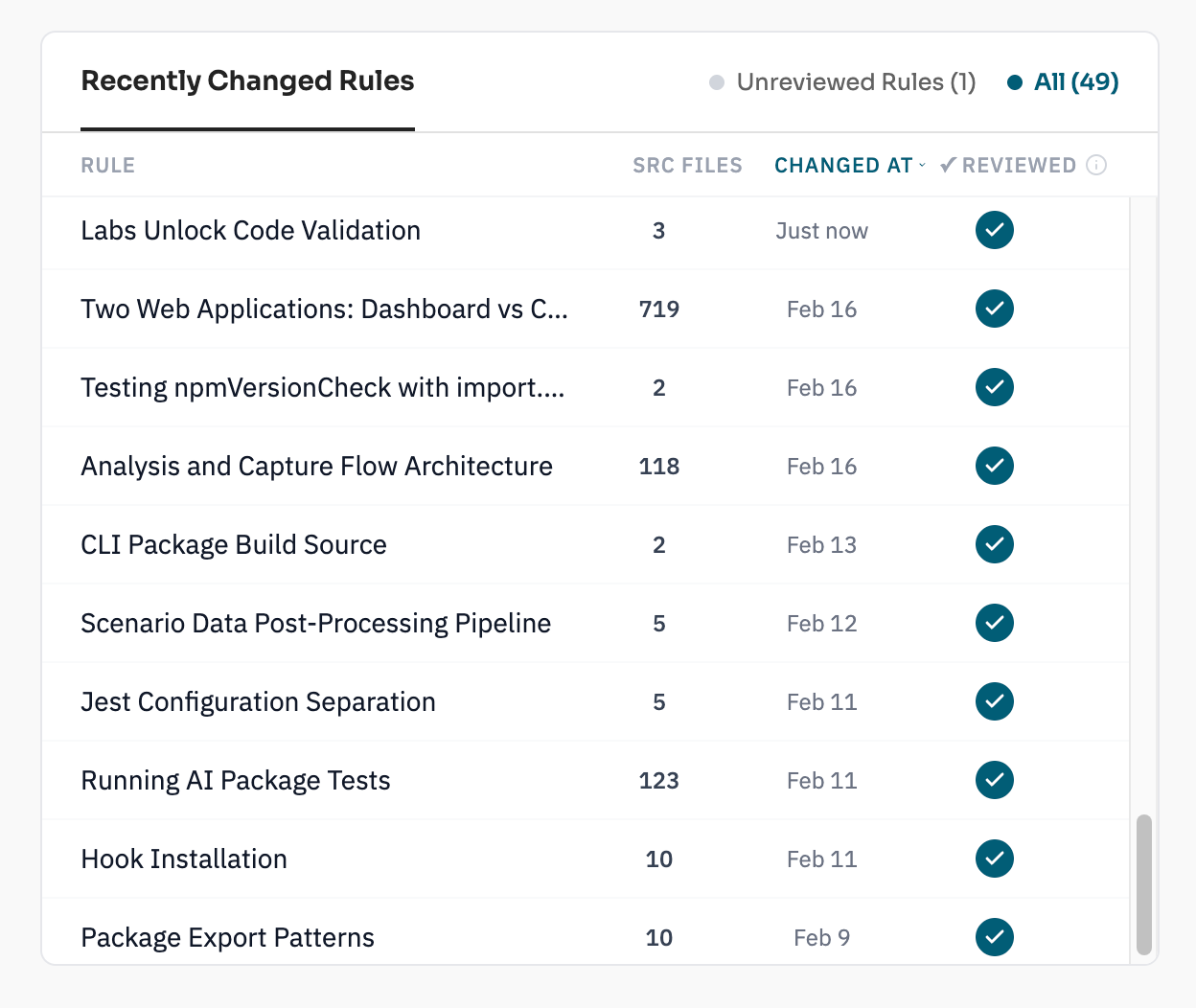
If Claude Rules are used effectively, you can quickly end up with dozens of highly specific rules across the codebase. Maintaining them as the repo evolves becomes difficult. To help with this, CodeYam Memory tracks each rule and, when impacted files are edited, a background auditing agent detects stale rules and updates the rule as needed based on code changes. This prevents rules from drifting away from the code and creating confusion for Claude.
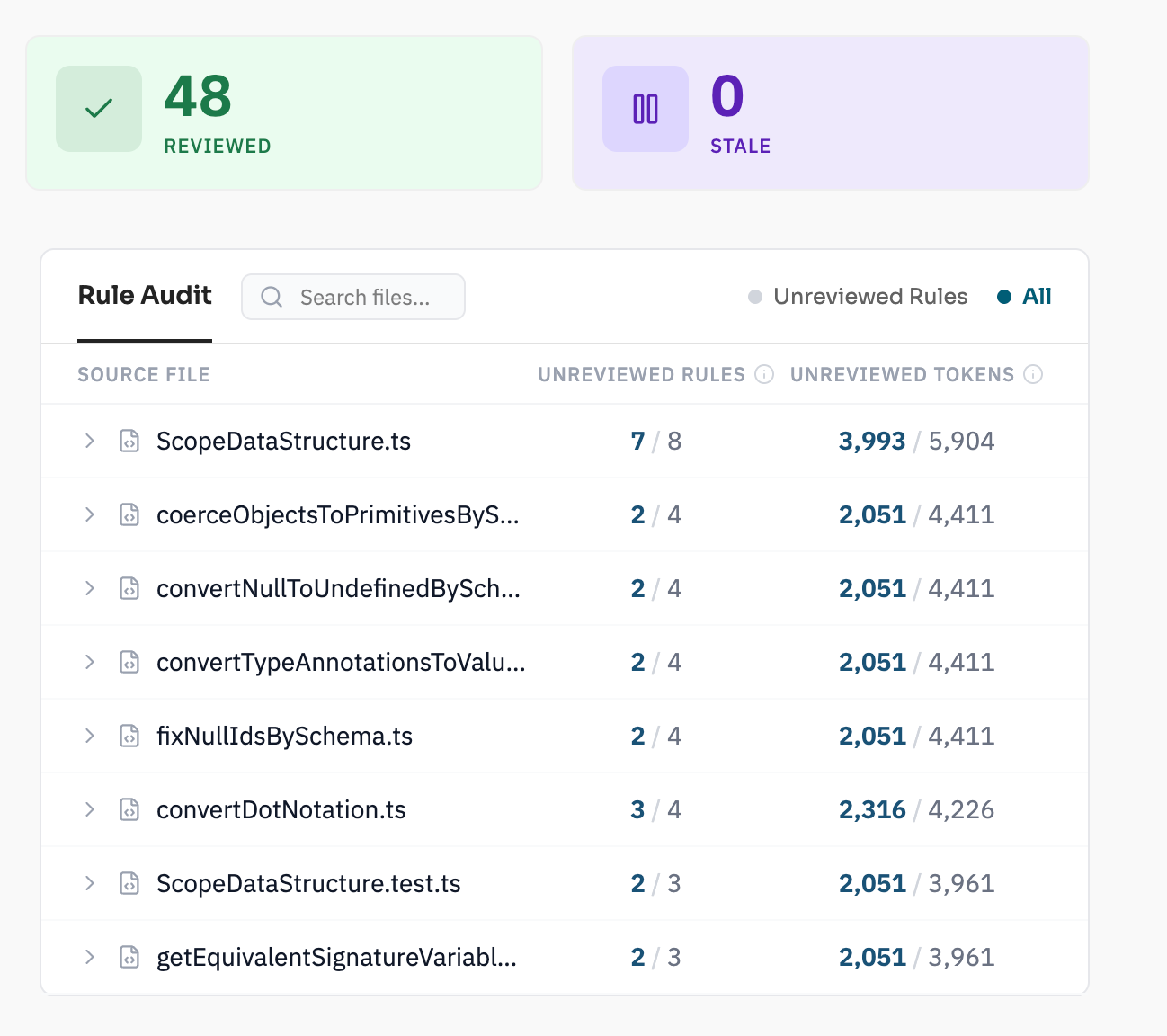
CodeYam Memory Rule Audit lets you easily see which rules apply to a given file.
3. The CodeYam CLI Dashboard.
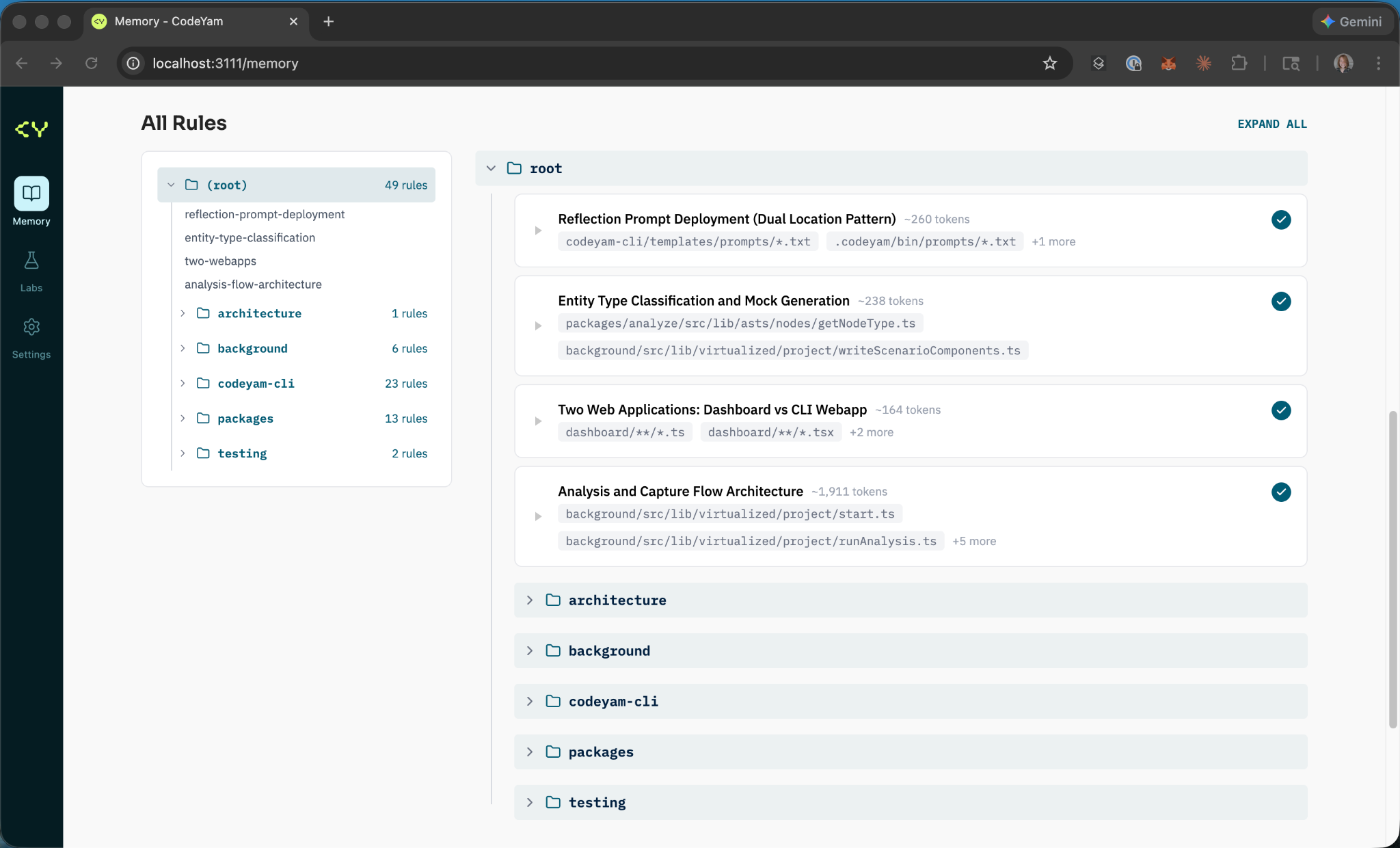
For CodeYam Memory, the dashboard provides a comprehensive view of your rules, allowing you to read, edit, and track changes, as well as see which rules apply to each file in the codebase.
The CodeYam CLI Dashboard will evolve into a more robust interface for interacting with and understanding your software project, including its architecture, system evolution, and AI interactions.
All of this is available for free. No registration required. The CodeYam CLI runs locally and is fully configurable to your needs. This is just the first step toward our larger vision for how humans and AI can most effectively work together to build software.
How to Get Started
Install:
npm install -g @codeyam/codeyam-cli@latest
Then from your project root:
codeyam
This will launch a dashboard with further instructions for initializing CodeYam Memory.
If you have questions, feedback, or run into issues, join our Discord server or email us. We’d love to hear what you think.